Schedule Assistant turns natural conversation into calendar events, reminders, alarms, and messages — powered by real-time AI voice chat that talks back.
Coming soon to the App Store · Requires iOS 26 or later
Everything lands in the native iOS apps you already use — Calendar, Reminders, Clock-style alarms, Messages, and Mail.
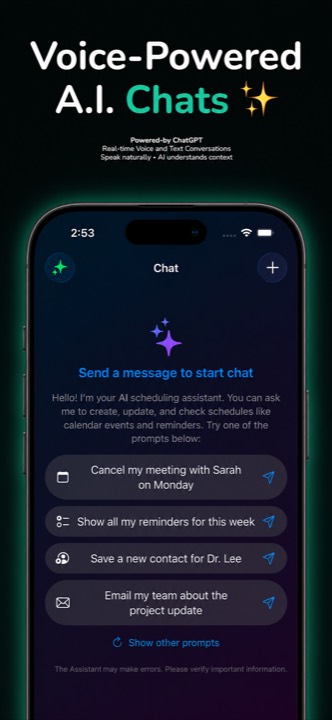
Talk naturally and get spoken answers with barely any delay. The assistant understands and replies in virtually any language you speak.
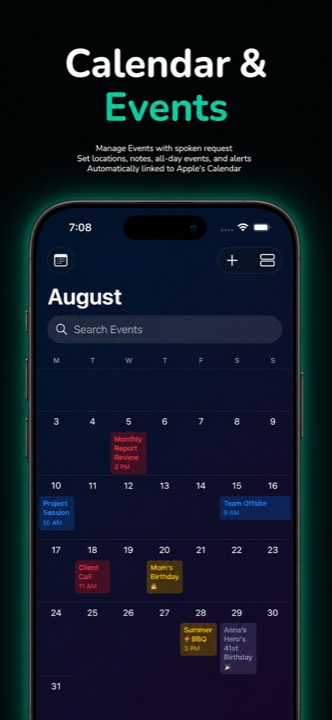
Create, move, and search events in your iOS Calendar with a sentence — locations, notes, and alerts included.
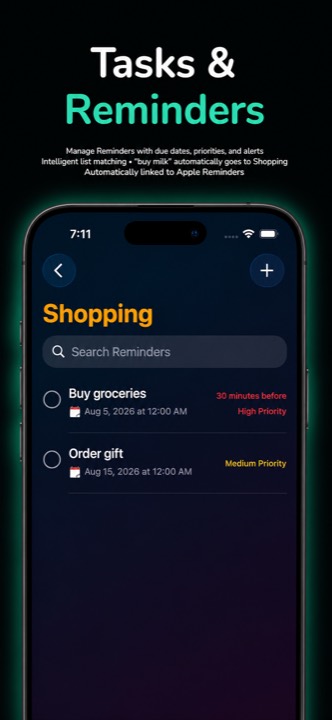
Tasks land in the right list automatically, with due dates, priorities, and alarms. “Buy milk” knows it belongs in Shopping.
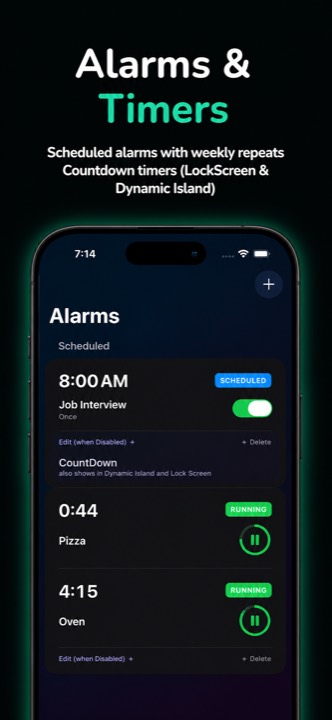
Scheduled alarms and countdown timers with Live Activities — pause or stop right from the Lock Screen and Dynamic Island.
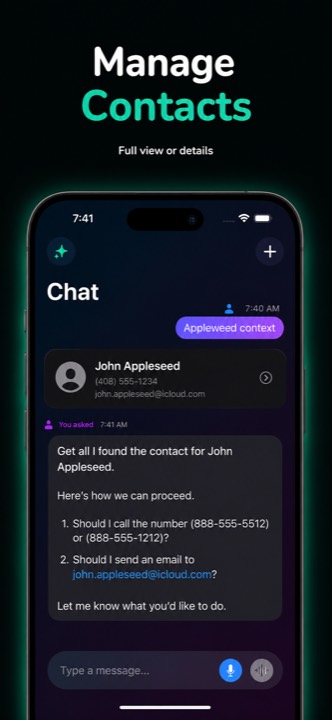
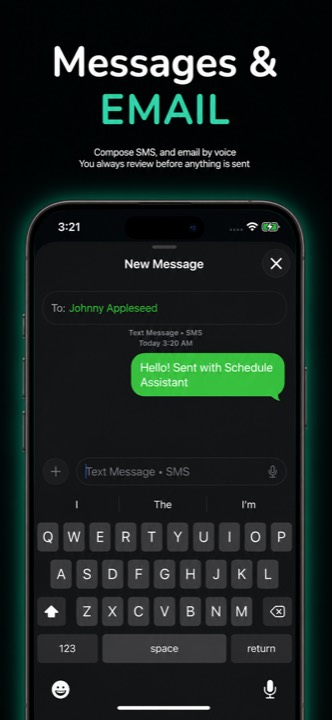
Say who and what — the assistant finds the contact and drafts the text or email. You always review before anything sends.
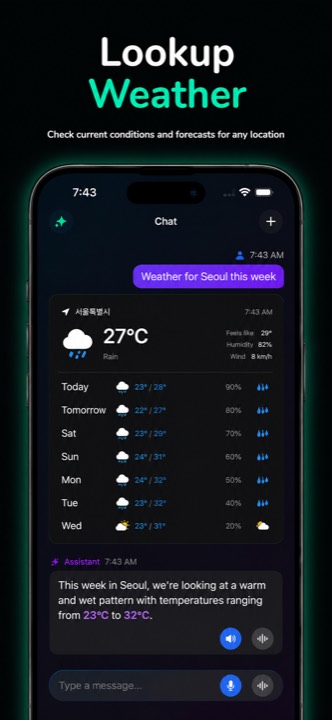
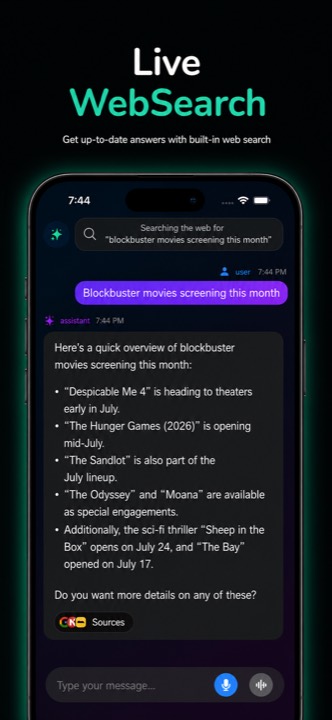
On-device weather for wherever you are, plus live web answers with tappable, cited sources.
No commands to memorize. Just say what you need, the way you’d say it to a person.
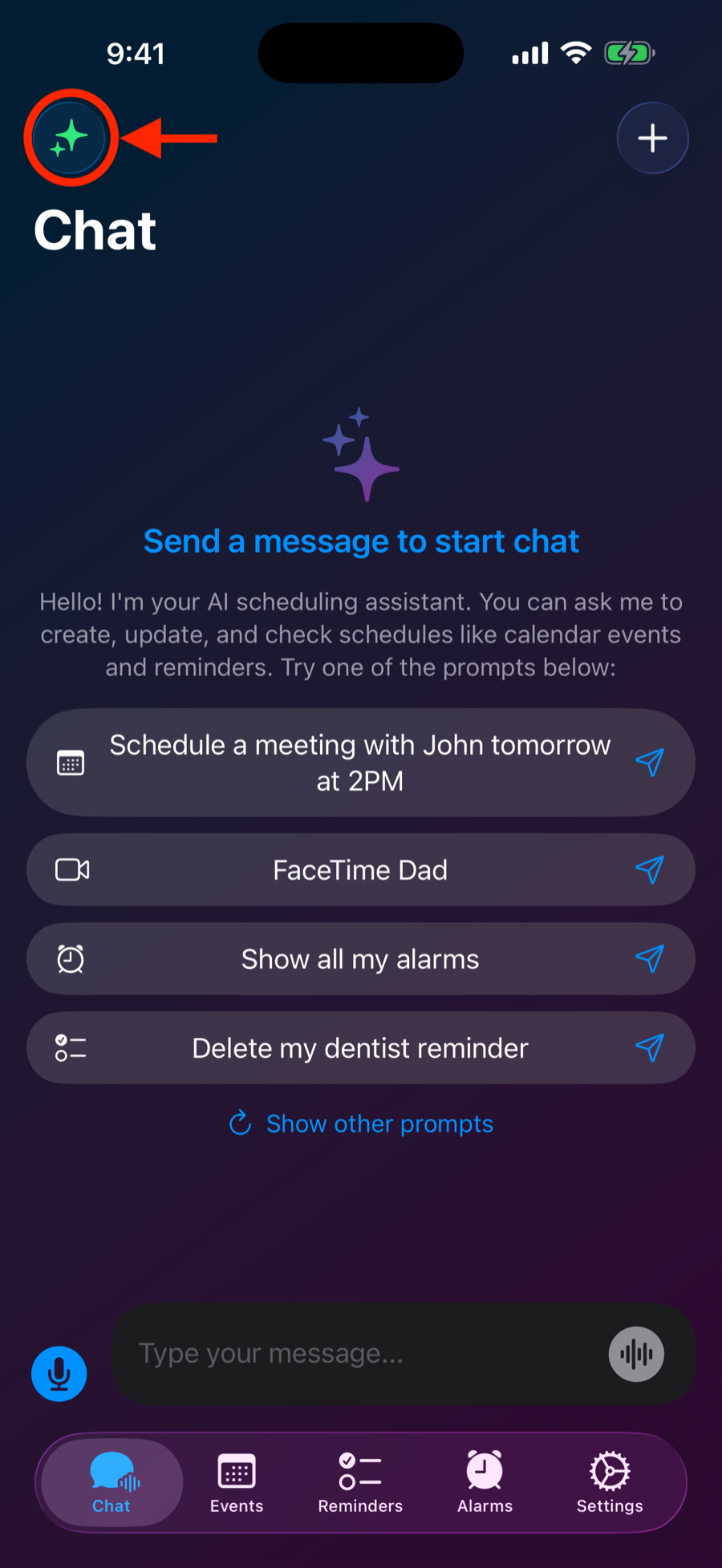
Open the Chat tab and tap the sparkle button. On first run, allow Calendar, Reminders, and Microphone access so the assistant can actually do things for you.
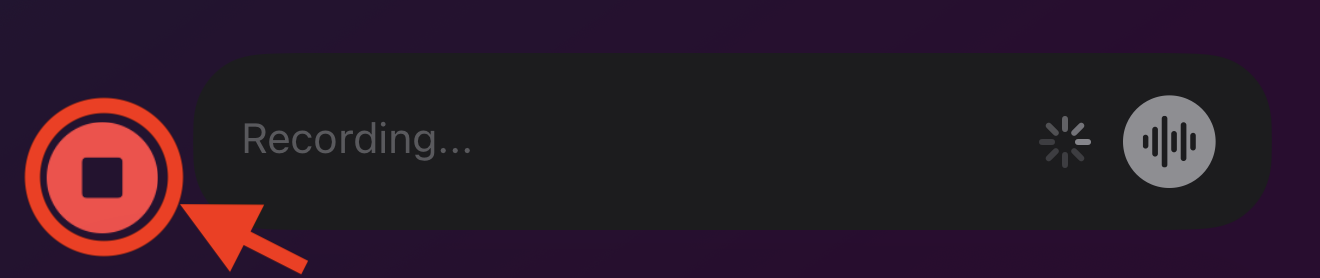
Type like you’d text a friend, or tap the blue mic button to dictate. Tap stop when you’re done — your words appear as text you can review before sending.
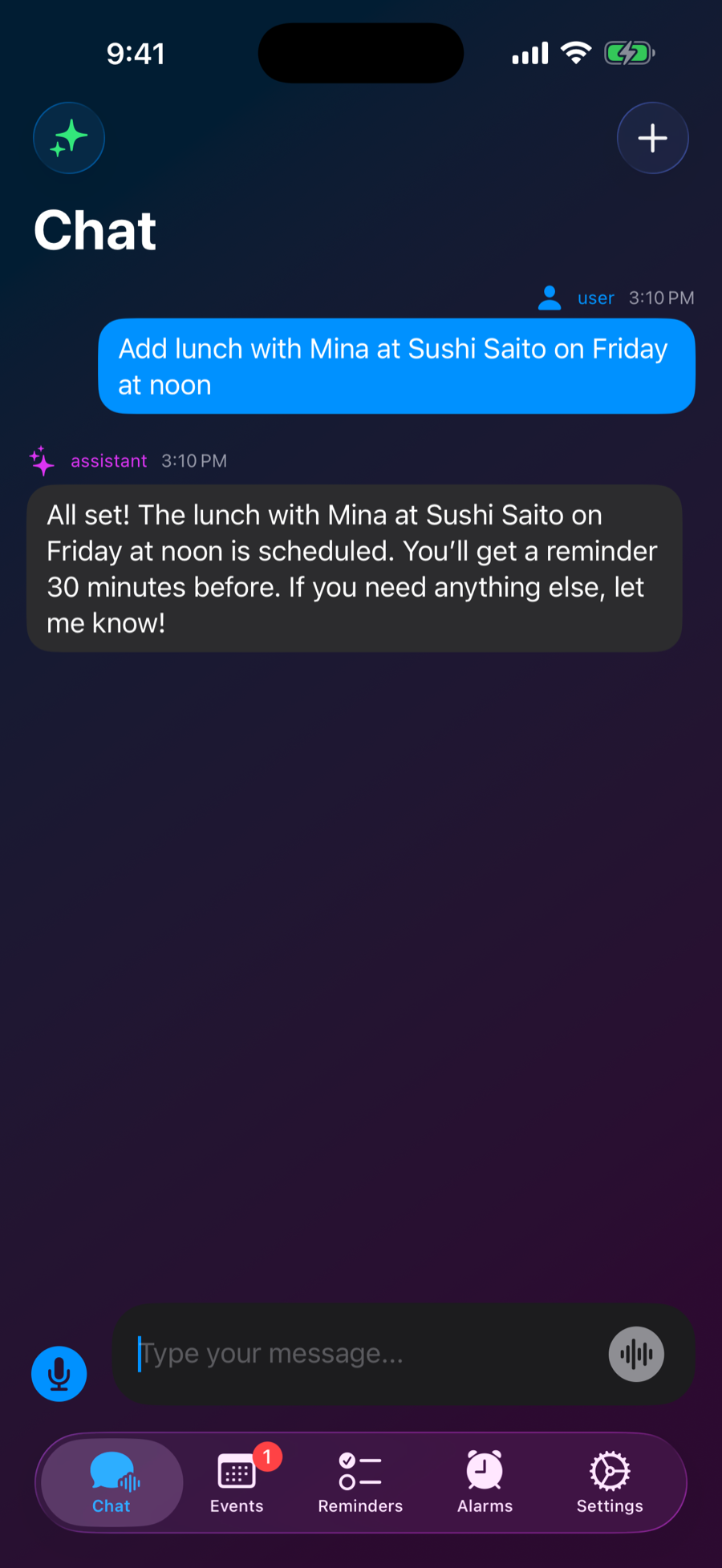
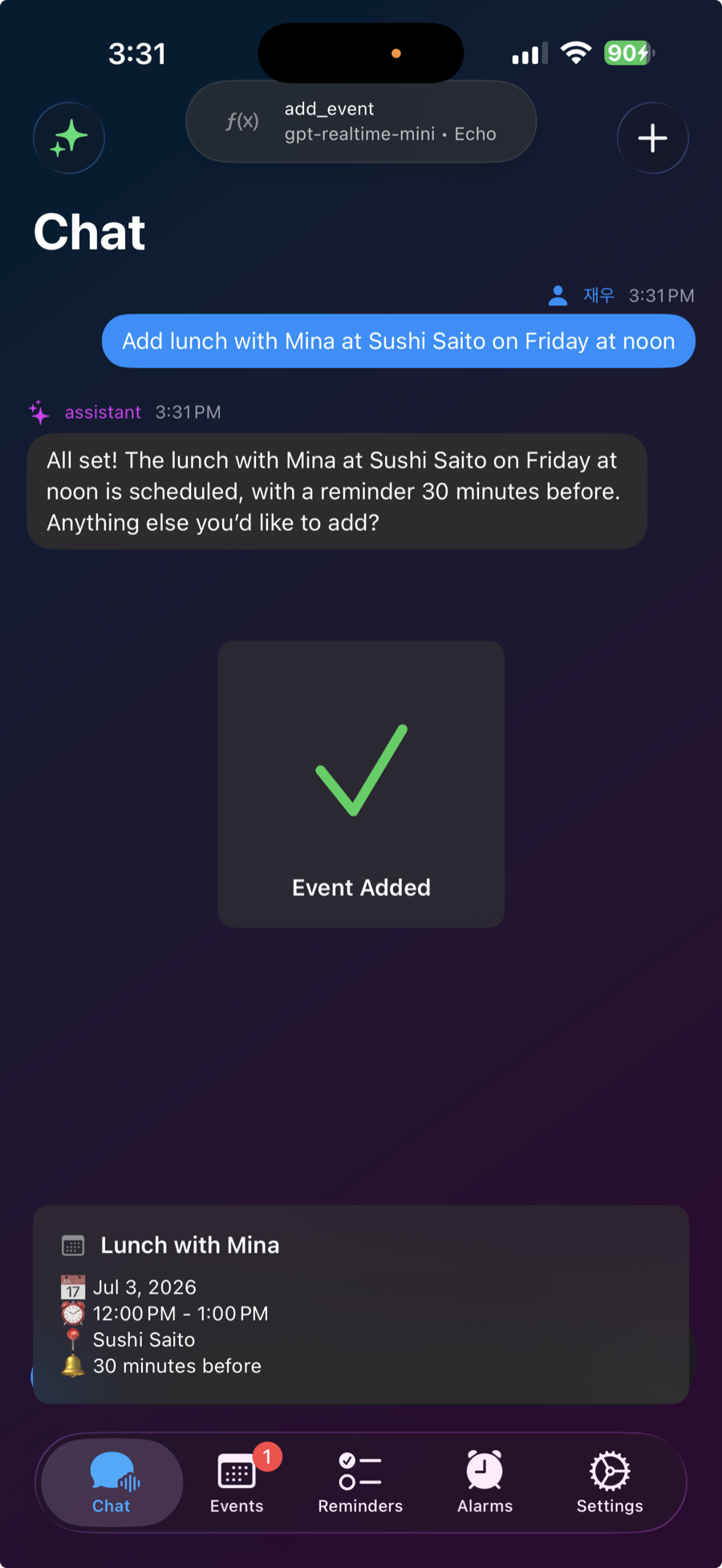
“Lunch with Mina on Friday at noon.” “Remind me to water the plants every Tuesday.”
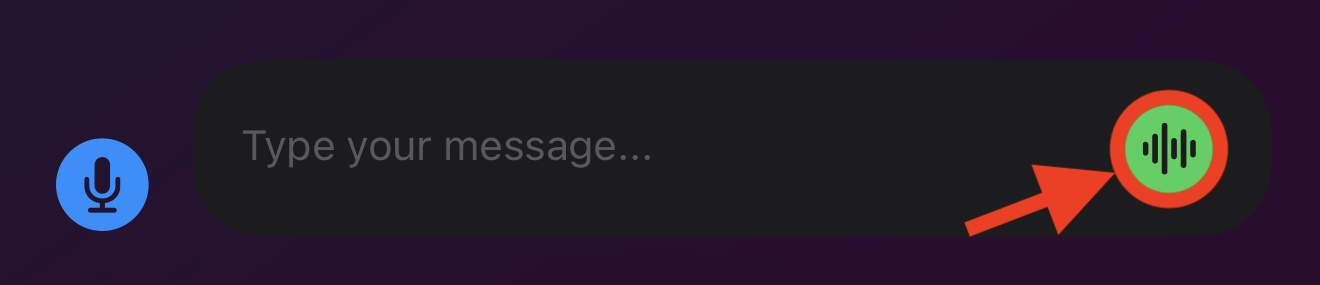
Tap the waveform button to start a live voice conversation — the assistant listens, answers out loud, and gets things done mid-chat in virtually any language.
The assistant confirms while a banner pops up and a preview card shows exactly what was created — tap the banner to jump straight to the new event, reminder, or alarm.
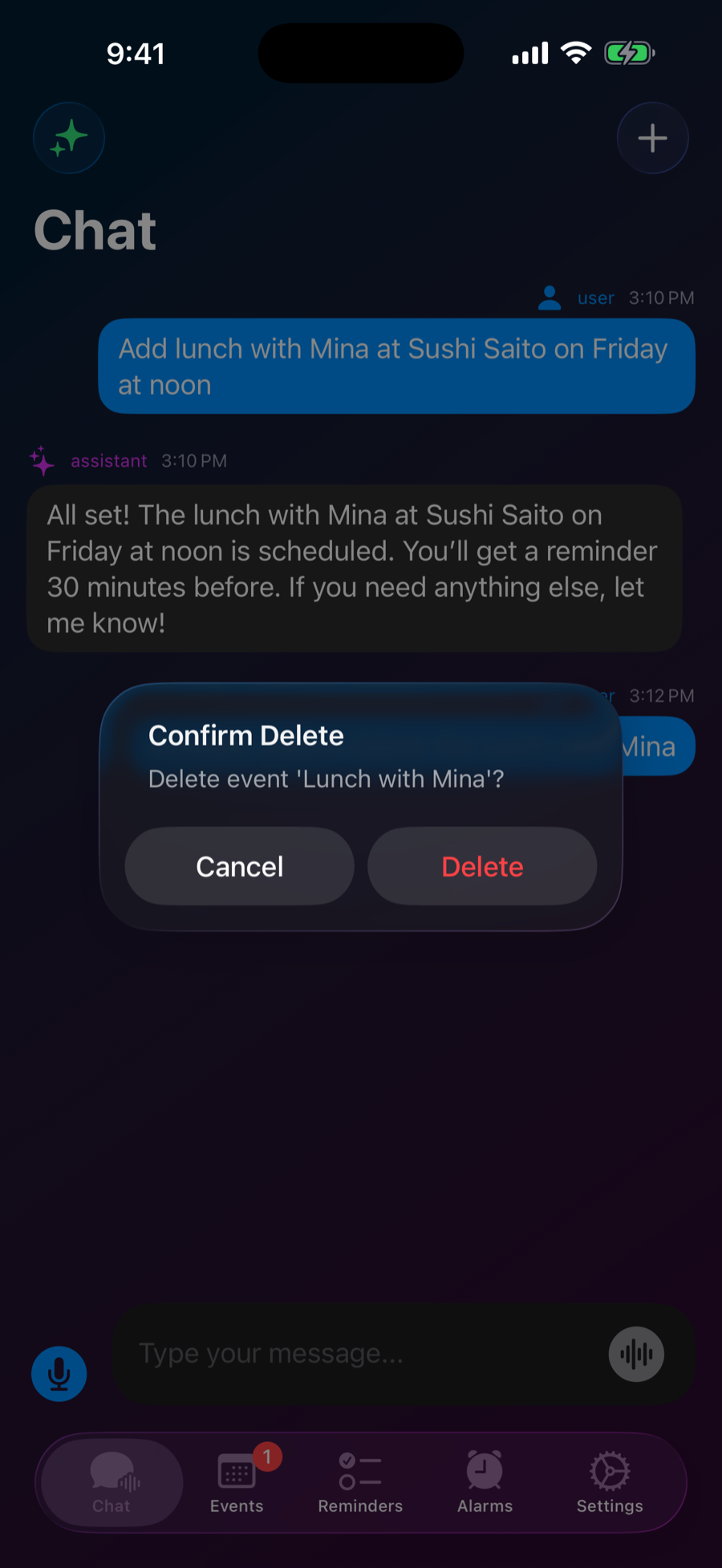
Texts and emails are always previewed before they send, deletions always ask first, and you can browse and edit everything by hand in the Events, Reminders, and Alarms tabs.
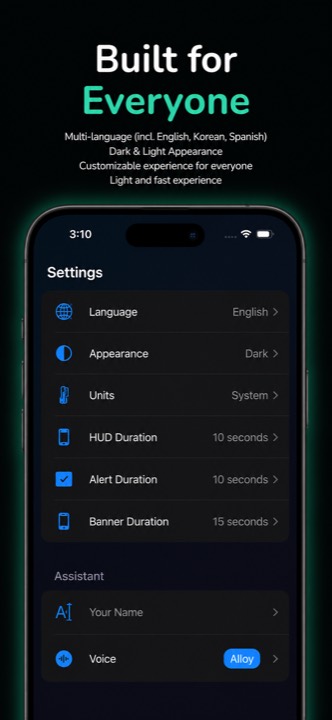
Every tab, from the conversation that starts it all to the settings that make it yours.
Every plan includes the full calendar, reminder, alarm, and messaging feature set.
Everything you need to get started
For everyday voice-first scheduling
Two months free vs. monthly
¹ Subject to fair use (about 200 conversations per month). Subscriptions are billed to your Apple ID and renew automatically until canceled in iOS Settings. Prices in USD — local prices may vary. See the Terms of Use.